
GD Members Directory for bbPress
GD Members Directory for bbPress
Members Directory for bbPress powered forums
Easy to use plugin for adding forum members directory page into bbPress powered forums including members filtering and additional widgets for listing members in the sidebar.
Free Plugin Download
Plugin First Released
7 years, 14 days agoBasic Requirements
WordPress Multisite
Individual network websitesbbPress Forums Users
Easy to use plugin to show the list or directory of all bbPress powered forums users with search capabilities
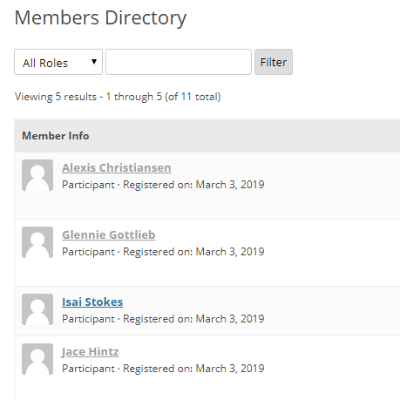
Members List
The plugin adds a new page into bbPress showing the list of forum members/users with filters and sorting options.
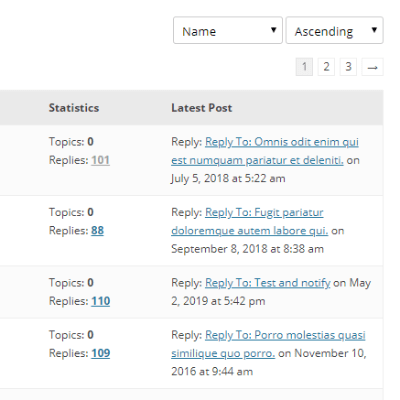
Members Information
Show various information for each user, including a number of replies, topics and latest topic or reply posted.
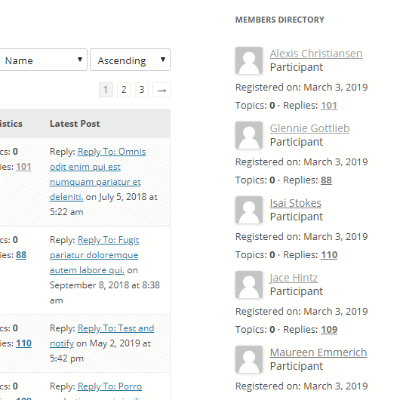
Members Widget
The plugin registers a new widget for showing list of members with some of the options full members list has.
Plugin Video Preview
Check out the short video on how to start with the plugin quickly.
More Features
Here are more important plugin features
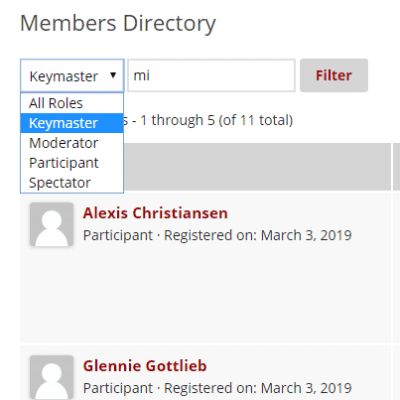
Filter results
To find a specific user or group of users, plugin implements a filter that currently includes user role and search by keyword.
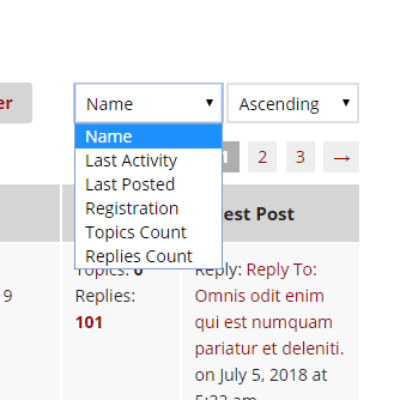
Change results order
And, there are easy to use options to reorder the list of members by various criteria (activity, registration…)
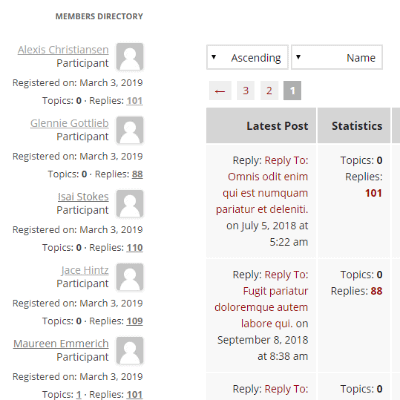
RTL Support
The plugins default styling has full support for the right to left languages (RTL) and separates CSS files for RTL.
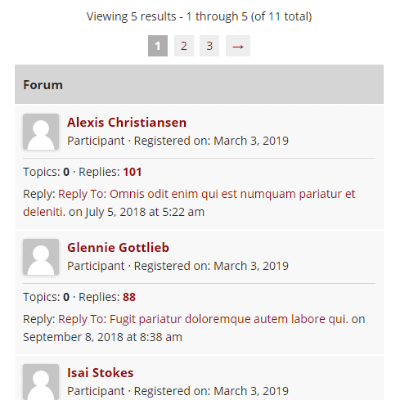
Quantum Theme Support
The plugin has templates and styling for the GD Quantum Theme Pro for bbPress and it auto-detects the theme if it is active.
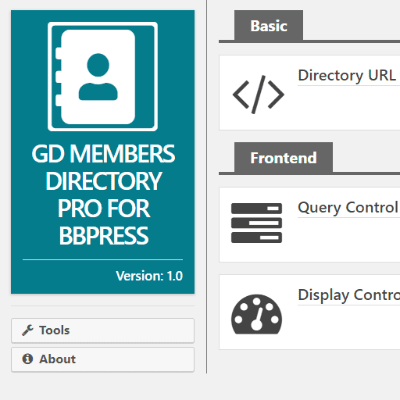
Easy Setup
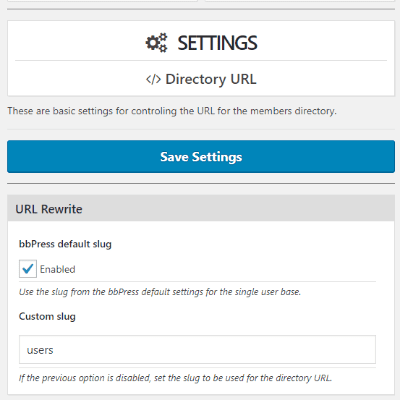
The plugin has only a few settings, and it is very easy to set up for most purposes, there is no need to make any settings changes.
bbPress Integration
The plugin fully integrates into bbPress, by default it uses some bbPress settings too, and integrates fully into bbPress
Easy Installation
The plugin is very easy to install because most of the things are done automatically.
The plugin does have settings for some extra control, but, to get started, the plugin only needs to be activated, visit the plugin admin page to make sure everything is installed, and you are good to go. To get more information about the installation and settings, check these articles.
All Dev4Press plugins for WordPress share these features
Settings Import and Export
Tools to export all plugin settings into a file with JSON serialization. You can import settings from that file. This way, you can keep your settings safe or transfer settings between websites.
Dev4Press Library
Dev4Press Shared Library contains code and libraries for implementing a unified admin interface, reusable code to speed up plugin development, handle plugin settings, and more.
Regular Updates
Regular updates to fix reported bugs, fix any security issues, and enhance and improve every aspect of plugins. And using our Updater plugin, you can update directly from WordPress.
Complete Localization
WordPress standard PO/MO translation system makes translating into any language easy. Dev4Press includes a GlotPress instance to handle translations for all the plugins.
Excellent Support
One of our primary goals is to provide the best support possible. This includes an active support forum and an ever-expanding knowledge base to help you get all the information you need.
Secure and Clean Code
Made with best coding practices, tested for potential security problems. We are constantly working on maintaining full WordPress compatibility and the highest level of security.
GD Members Directory Blog & Support Resources
Get the latest news and blog posts, access the plugin documentation and support forums.


Discover more WordPress plugins


