Comment Form Addon
Integrate GD Rating System Pro into comment form
Integrate rating blocks into the regular WordPress Comments form, allowing adding of the rating for the post though comment submission.
Latest Addon Release
Addon First Released
9 years, 6 months agoWordPress Multisite
Individual network websitesBasic integration of ratings into comments form
With this addon, you can add rating block into the comment form so that users can select rating along with the comment. Rating is added to the post comment belongs to.
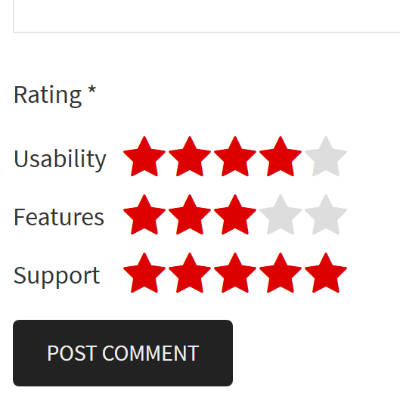
Stars and Multi stars
Comments Form addon can integrate Stars Rating and Multi-Star Ratings into the comments forms (and the display of saved rating with comments).
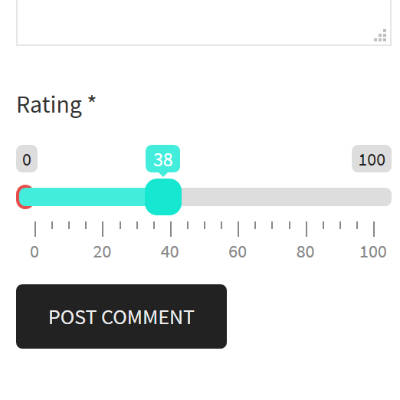
Slider and Multi slider
Comments Form addon can integrate Slider Rating and Multi Slider Ratings into the comments forms (and the display of saved rating with comments).
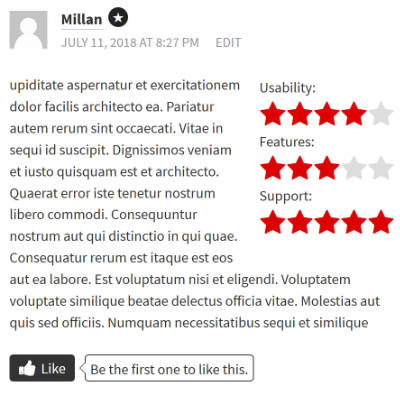
Rating in comments
Once saved, a rating linked to a comment can be displayed inside the comment content. By default, styling positions the rating on the right side.
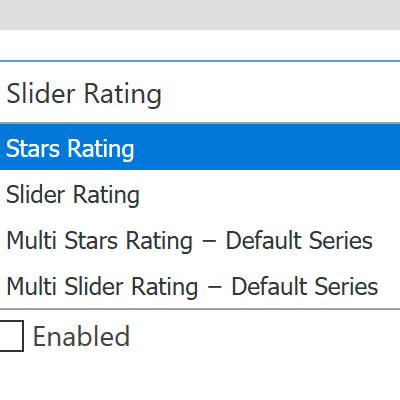
Ratings method selection
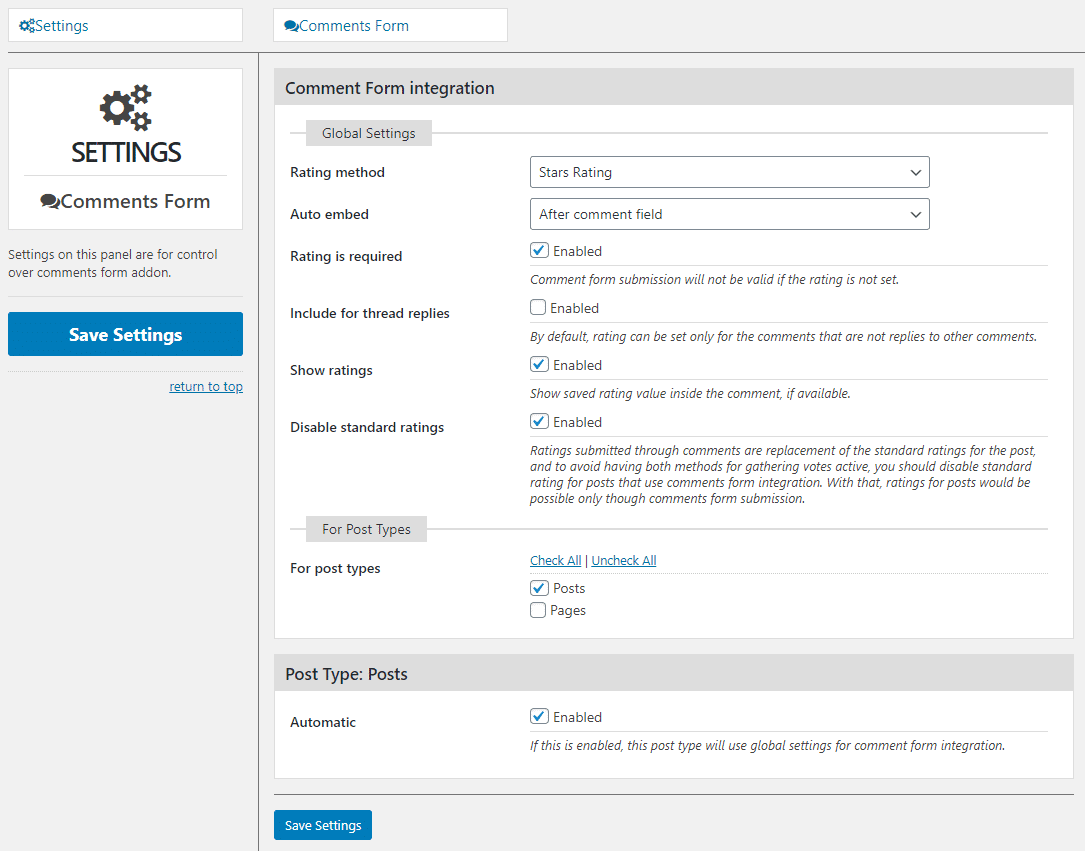
In the addon settings, you can select rating method (and series for the multi rating methods), and post types for the comment form integration.
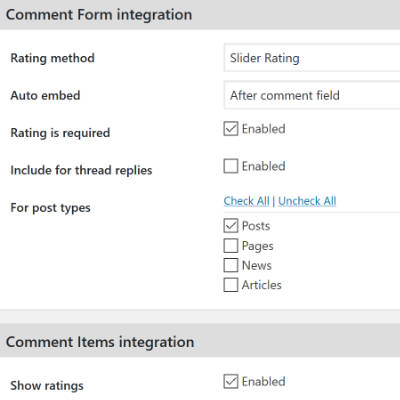
Addon settings
There are several settings you can change for the addon, including support for threaded replies and marking rating as a required element.
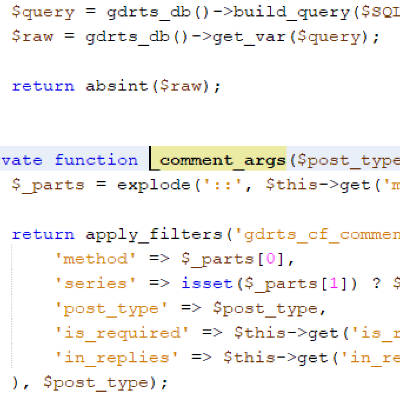
Customizations
Some of the addon settings can be customized using filters. And, some of the display functions can be overridden for extra customization.
How does the integration work?
This addon integrates rating block into the comment form so that users can submit ratings alongside the comment.
But, the rating is not saved as the rating for the comment, it is actually added to the post comments belong to. This way, using comments, users can rate the post, and this can be used as a method to submit user reviews through comments. If you need a more comprehensive review system, you should check out the User Reviews Addon.
All Dev4Press premium plugins share these features
Settings Import and Export
Tools to export all plugin settings into a file with JSON serialization. You can import settings from that file. This way, you can keep your settings safe or transfer settings between websites.
Dev4Press Library
Dev4Press Shared Library contains code and libraries for implementing a unified admin interface, reusable code to speed up plugin development, handling plugin settings, and more.
Regular Updates
Regular updates to fix reported bugs, fix any security issues, and enhance and improve every aspect of plugins. And using our Updater plugin, you can update directly from WordPress.
Complete Localization
WordPress's standard PO/MO translation system makes it easy to translate into any language. Dev4Press includes a GlotPress instance to handle translations for all the plugins.
Excellent Support
One of our primary goals is to provide the best support possible. This includes an active support forum and an ever-expanding knowledge base so you can get all the information you need.
Secure and Clean Code
Made with best coding practices, tested for potential security problems. We are constantly working on maintaining full WordPress compatibility and the highest level of security.
Comment Form Blog & Support Resources
Get the latest news and blog posts, access the plugin documentation and support forums.


Discover more WordPress plugins from Dev4Press