
Mute Forums
Muting forums is very useful feature, allowing users to mute, and effectively hide forums when they are browsing the forums. Muting works for each user individually, and if a forum is muted, user that muted the forum will not see muted forum, all its sub-forums and all belonging topics and replies.
Each forum user can mute forums, and no one else is affected by that, and no one else knows which forums are muted by anyone. Muted forums panel in the user profile is visible to account owner only.
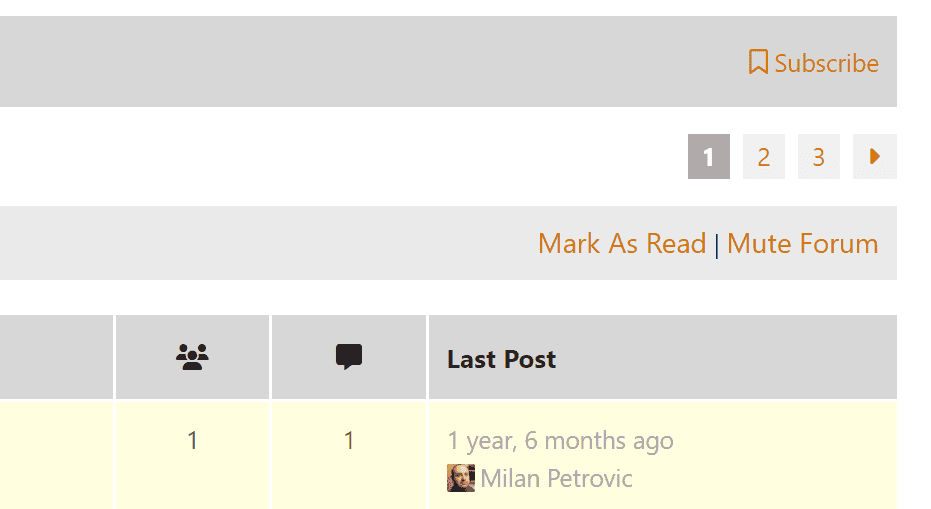
Muting action has been added to every forum inside the Actions Bar on top of the forum (this actions bar is added by GD bbPress Toolbox Pro, too).
Review Muted Forums
User profile pages are expanded with the new page that shows all the muted forums. From this page, you can un-mute forums.

Feature Settings
This feature has only one option, to configure ‘slug’ used for the URL for user profile page where user can see all muted forums, and un-mute them.
Muted Forums Behavior
For each user, when logged in, all relevant queries will be modified to exclude muted forums and all sub-forum descendants of the muted forums. If the user was previously subscribed to any of the muted forums or their descendants, when the subscribers list is build, plugin will take out of the list all users that have relevant forums muted.
Muted forums will not be visible in any view, and any other query (for topics, topic views, replies) will filter out muted forums and all the descendants.