
Cloudflare Turnstile
Cloudflare Turnstile is popular captcha implementation that is mostly unobtrusive method, and usually doesn’t require direct user input. To start with using the Cloudflare Turnstile, you need Cloudflare account, and you need to configure your website to use Turnstile. More information you can find in the dedicated article for setting up the Turnstile.
Setup For Cloudflare Turnstile
Turnstile Settings
Based on the setup information in article referenced previously, you need Site and Secret Key to activate Turnstile in coreSecurity Pro.
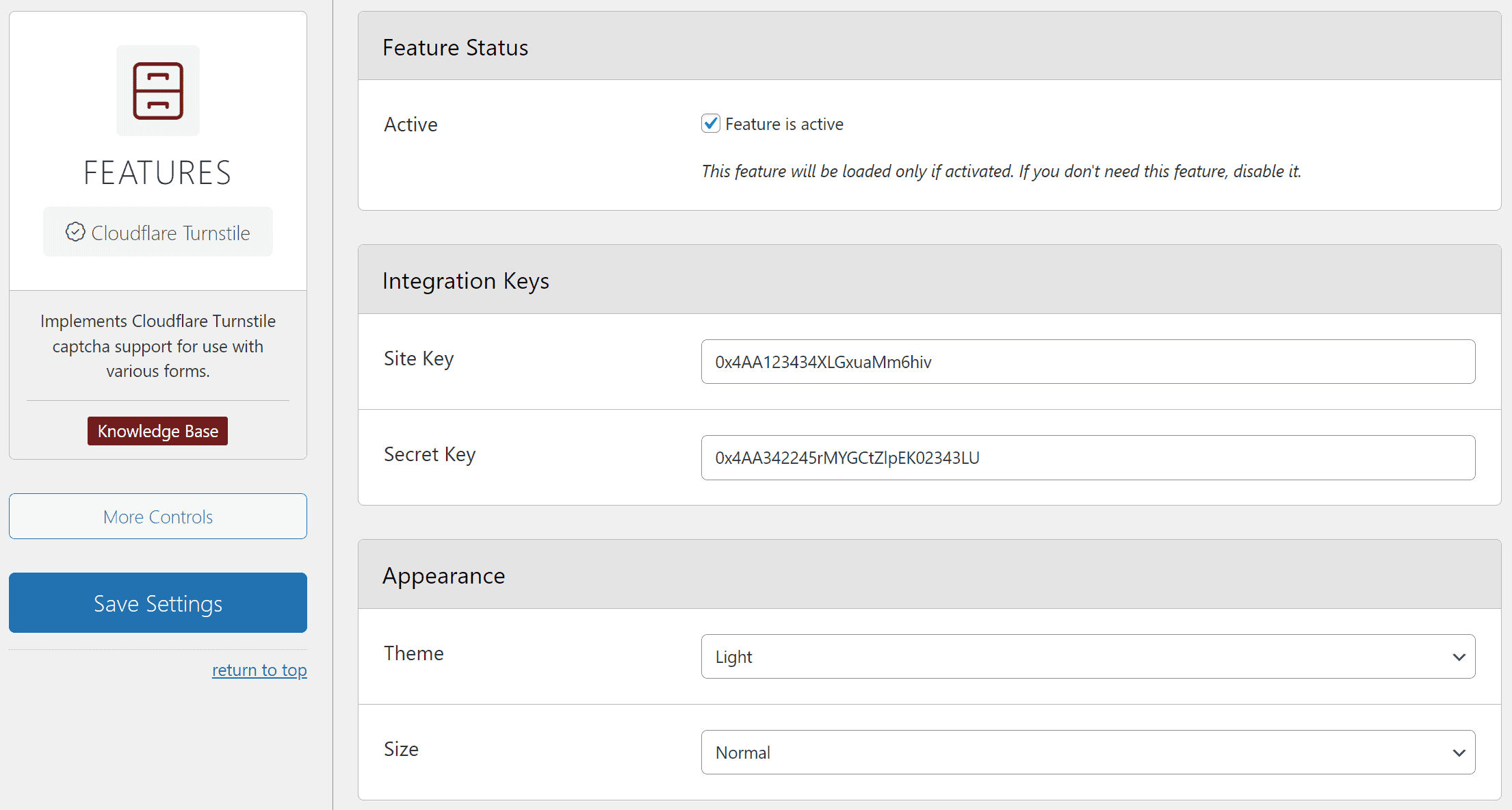
But, you can also configure the theme and size of the displayed Turnstile widget.
Using The Captcha
This feature is integrated in various other features, and the captcha is integrated by other features. If you want to use Captcha for Antispam purposes, check out the Antispam features to enable and configure the captcha method to use. All other uses for captcha are controlled by the Captcha Protection feature.
Captcha Protection
coreSecurity Pro will load JS and CSS files related to this captcha method with some styling tweaks, and JavaScript code that will activate the captcha widget.
Content Security Policy
If you are using CSP, and Turnstile captcha, you need to add CSP rules for this service. coreSecurity Pro includes Cloudflare Turnstile in the list of Predefined Rules, and you should enable it there.