
Networks and Internal Buttons
Sharing buttons, profile links, and AI providers serve different purposes. This article covers the social/internal Share methods. Configure profile destinations through Profiles and AI providers through Explore.
Enable and select a button
- Open coreSocial → Settings → Networks for a social network, or Internal for an internal method.
- Enable the method and complete any required configuration. Save.
- Open the block, widget, or automatic method where it should appear and select it there.
- Save and test the public page, including the destination link.
Enabling a network alone does not insert buttons into a page. Different placements can have different selections. Disabled methods are unavailable even if an older block or widget contains their code.
Social networks
Lite includes Bluesky, Twitter / X, Facebook, Tumblr, Pinterest, Reddit, LinkedIn, Flipboard, Threads, and Hacker News. Pro additionally includes Telegram, WhatsApp, Viber, and Messenger. Threads, Hacker News, and the additional Pro messaging methods start disabled; enable the ones you need.
Name identifies the method; Label controls button text where the layout displays a label. Primary, text, and icon colors feed the network’s branded styling. Changing a color here does not necessarily override a custom-color block/widget.
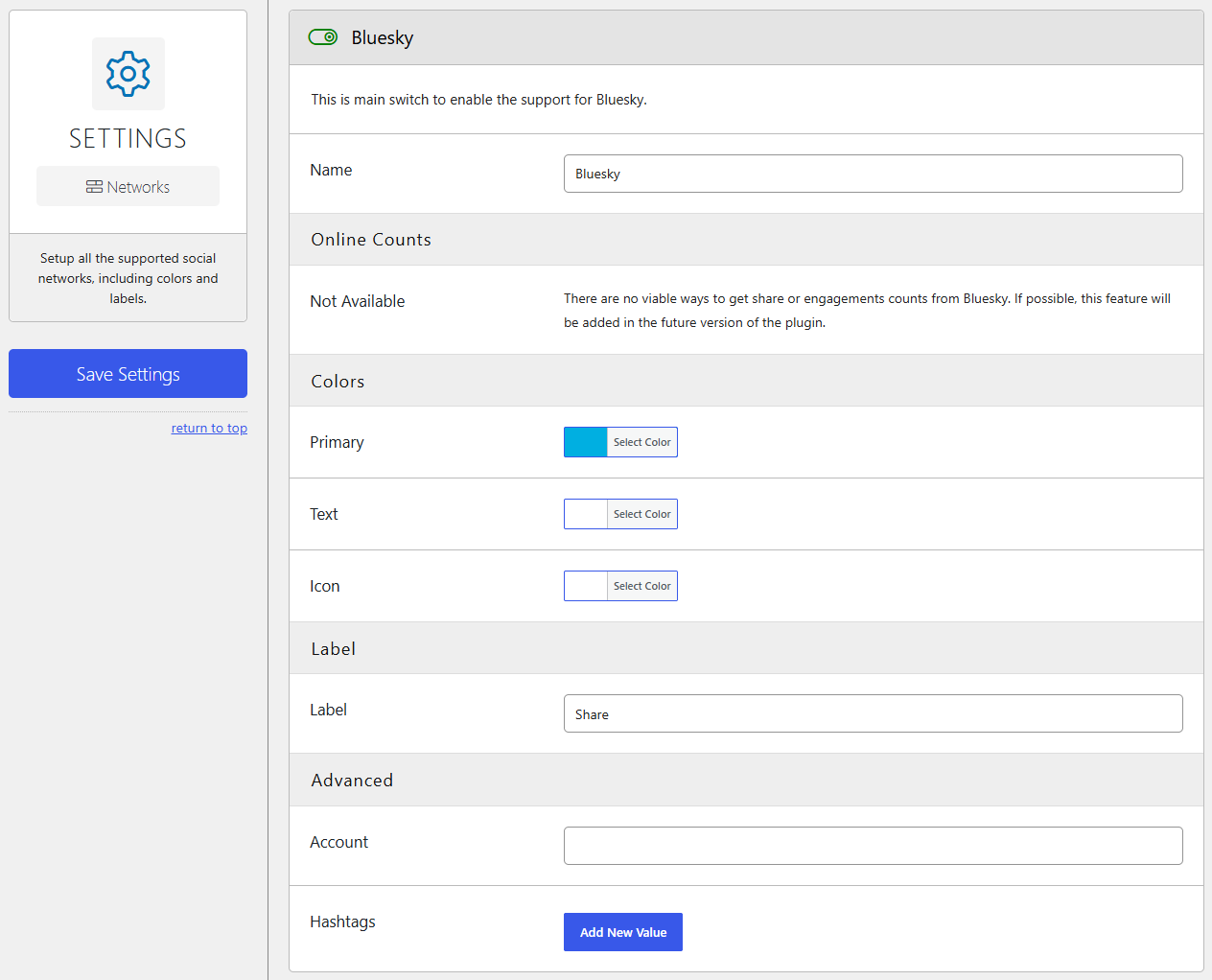
Bluesky and Twitter / X
Configure account attribution and hashtags where needed. Existing post/term metadata can override those values. Twitter supports Twitter/X share URL choices and an X-style icon choice. Test the final composed text, especially when global and per-item hashtags are combined.
Developers can adjust these values with the Bluesky account filter, Bluesky hashtag filter, and the corresponding Twitter account and hashtag filters.
Online counts
The implementation supports online checks for Facebook, Tumblr, and Pinterest. Facebook needs the configured API token. Enable the network’s online-check option as well as global checks in Basics. Provider responses and availability are outside the plugin’s control; see Counts and Logging.
Messenger
Messenger sharing requires coreSocial Pro.
Provide both Meta App ID and Redirect URL. The button is unavailable until both values are set, even if its enable switch is on. Use a live Meta app and a redirect URL allowed by that app’s configuration. Save, select Messenger in the intended placement, and test the resulting dialog.
App-based sharing
Telegram and WhatsApp destinations can depend on the visitor’s device, app, and sign-in state. Viber requires the mobile app and may trim messages longer than 200 characters, including long URLs. A recorded click is not proof that the app opened or that a message was sent.
Internal buttons
- Gmail opens a Gmail compose destination with the title and URL. It is disabled by default and can require Gmail sign-in.
- Email uses a mailto link and depends on the visitor’s configured mail application.
- Copy URL copies the page URL when browser clipboard support is available.
- Print opens the browser print dialog; the visitor can cancel it.
- Like (Pro) records an internal Like, with one Like per signed-in account or identifiable visitor.
- QR Code (Pro) displays a QR overlay for the page URL. Displaying it is not confirmation of a scan.
For count interpretation and privacy-related storage choices, see Counts and Logging. To put the buttons on your site, follow Sharing Content.