
Tools and Maintenance
Open coreSocial → Tools for maintenance. Choose the operation that matches your task; changing editions or activating a license does not require a reset.
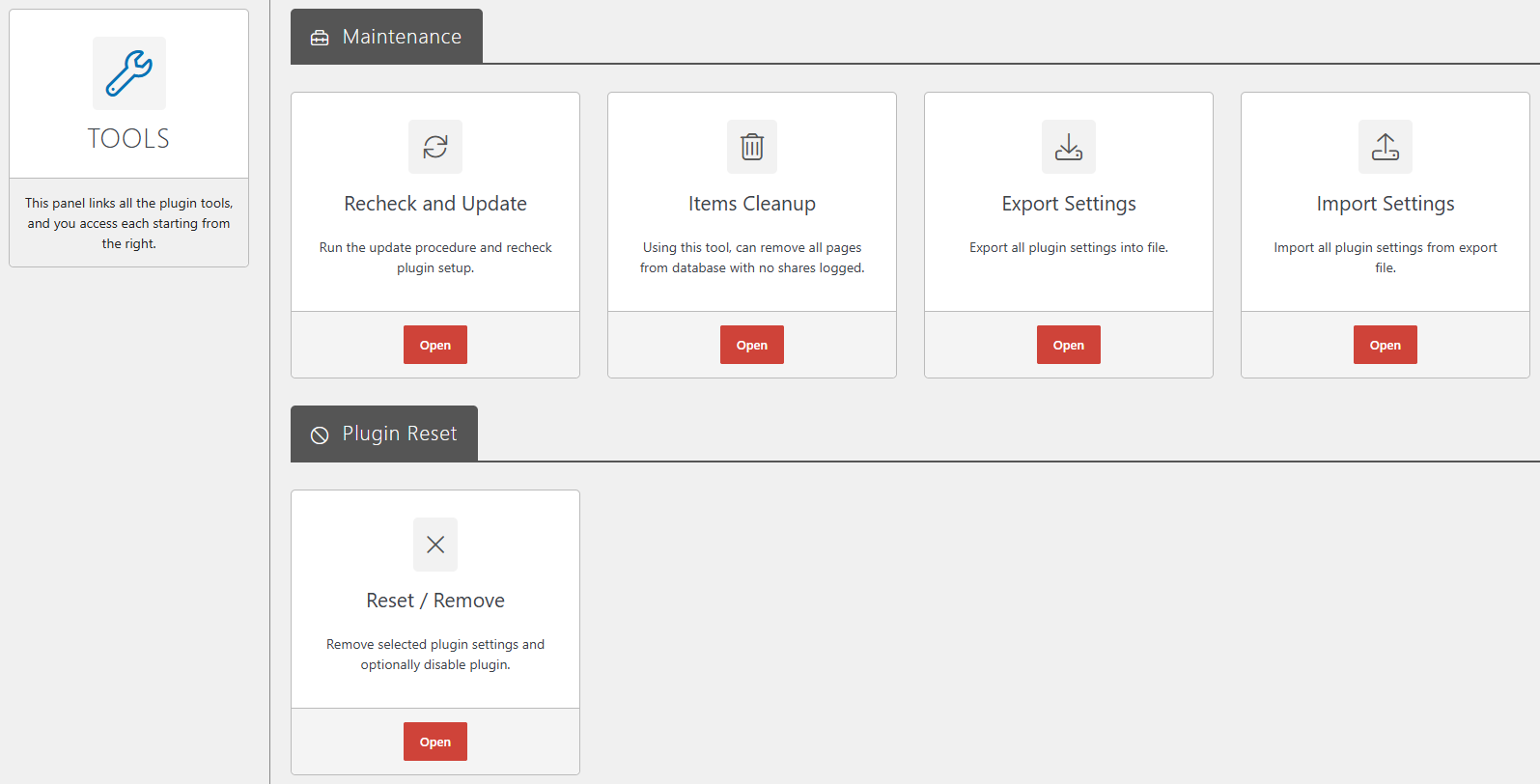
Recheck and update
The recheck/update tool reruns the plugin’s installation/update checks. Use it to check the stored installation and database schema, then review the result before continuing. It is not a replacement for installing a plugin update.
Export and import settings {id=”export-and-import-settings”}
Export downloads a plain-text file containing JSON-serialized settings. Keep it unmodified for importing. The export is a configuration backup, not an export of the social sharing log or the metadata saved for individual posts.
Use Import Settings with an unmodified coreSocial export and review the groups offered for import. Export the current configuration before replacing settings, and use a matching plugin version where possible. An import can change which methods appear, their network selections, and their styling.
To preserve counts, logs, and post-specific metadata, keep a database backup in addition to the settings export. Do not assume an export file contains all visitor activity or all site-specific overrides.
Items Cleanup {id=”items-cleanup”}
Items Cleanup removes tracking registrations with no remaining aggregate counts. It works on the plugin’s tracking data, not WordPress content. It can reduce unused entries, but it is not a log-retention scheduler and does not delete posts or pages.
Inspect Shared Items and take a backup before running cleanup. New activity can register content again.
Reset and remove
Review each checkbox in Reset / Remove. The tool offers removal of selected settings groups, removal of database data/tables, and optional plugin deactivation. Leaving the plugin active after removing settings causes defaults to be initialized again; table removal can lead to a new installation/update check.
Data deletion is irreversible through the plugin. Back up the database first. Settings exports do not include the activity data that these operations can remove.
Do not use this tool to release a Pro activation or cancel a subscription. Those actions belong to Account, as explained in License Activation.