
Shared Items Panel
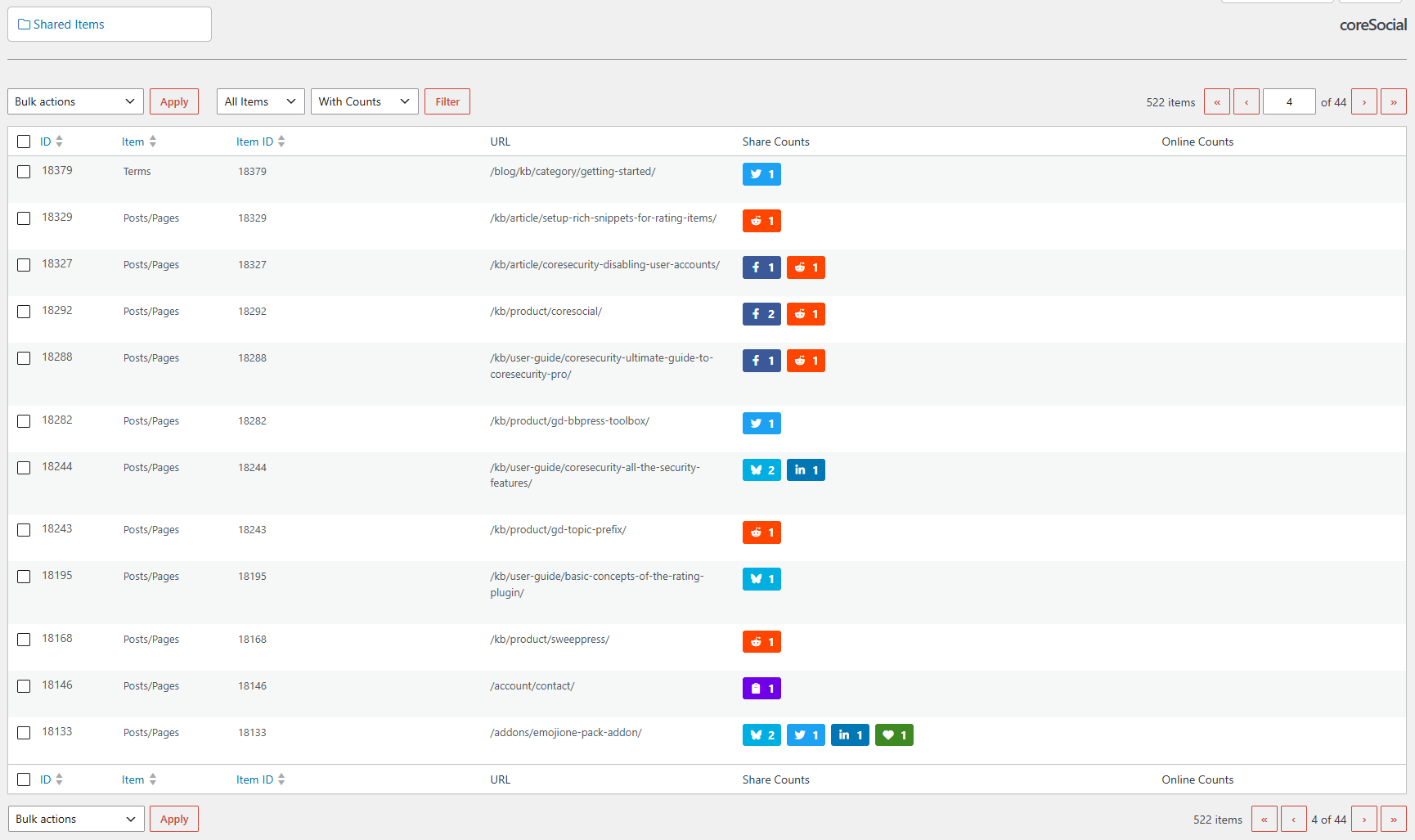
Open coreSocial → Shared Items to inspect tracked content. Items can represent a WordPress post/page, a taxonomy term, or a custom URL. The plugin’s item ID is its own tracking-row ID; it is distinct from the WordPress post or term ID.
Find an item
Use the item-type and count filters to select Posts/Pages, Terms, or Custom items, and items with or without counts. Search helps find a URL. WordPress Screen Options controls the number of rows shown per page.
The columns identify the tracking row, content type, WordPress item ID, URL, internally recorded actions, and online counts. Internal and online values have different meanings; see Counts and Logging.
Item and bulk actions
- Queue Online Counts requests a background check for applicable enabled networks. It does not fetch every count immediately or guarantee a provider response.
- Clear removes the item’s log entries and resets its internal counts. The item registration and stored online values are retained. Its private duplicate-Like markers are also invalidated.
- Delete removes the tracking item, its log records, and its aggregate count rows. It does not delete the corresponding WordPress post, page, or term.
Take a database backup before destructive actions. Settings export does not include this tracking data. Removing a tracking registration also does not prevent future activity from registering that content again.
For individual records, open Share Logs. For removing registrations without counts, see Items Cleanup.