
WordPress WP_Query class is used to get posts for, basically, everything. And this class is very complex. It has a long list of supported query variables, filters, and actions to control the process. But, even with all that, there are some limitations in the way you can use it.
If you want to exclude posts that belong to more than one category, you can use query variable called category__not_in. You need to specify an array with category ID’s to exclude. But, if you want to exclude subcategories of the categories you have listed, this will no do. To exclude subcategories also, there is a little piece of code you can use. This is very useful for RSS feeds since you can have better control over posts available in the feed.
Exclude categories
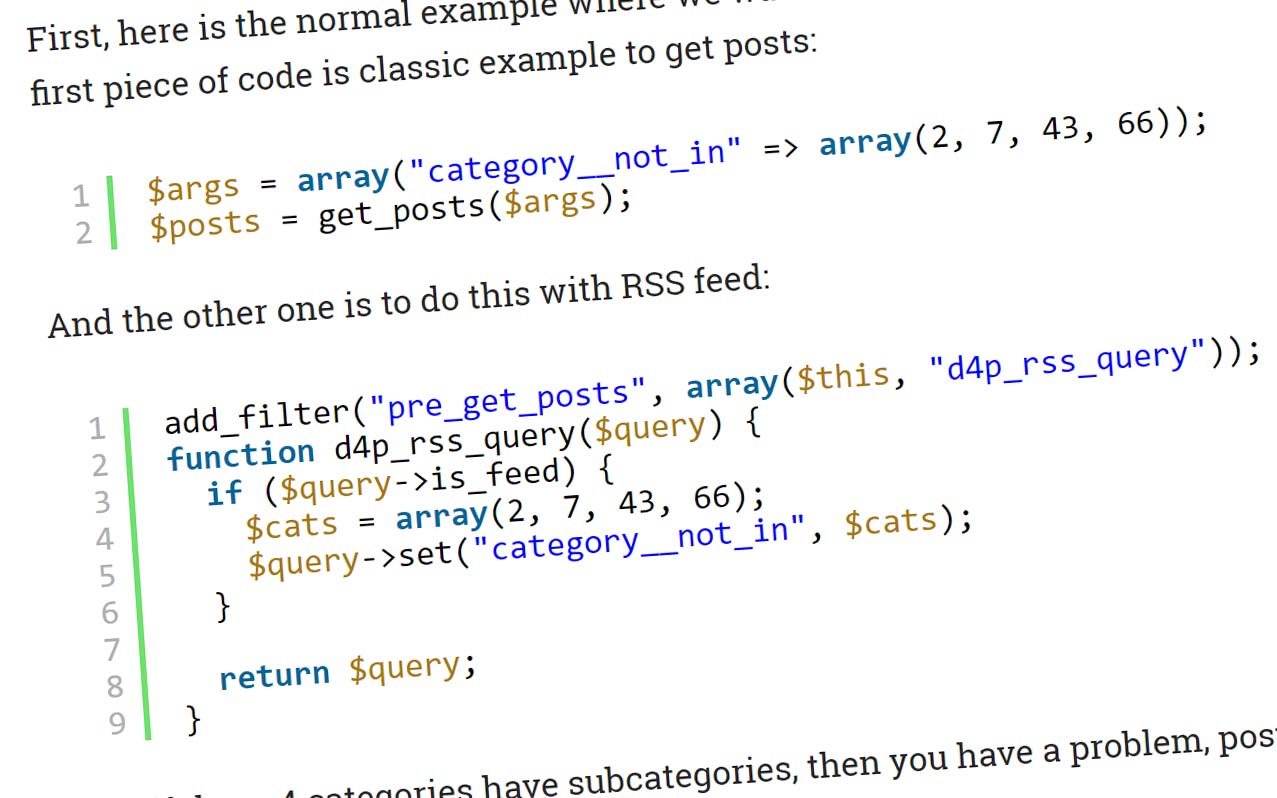
First, here is the normal example where we want to exclude posts from 4 different categories. The first piece of code is classic example to get posts:
$args = array("category__not_in" => array(2, 7, 43, 66));
$posts = get_posts($args);
And the other one is to do this with RSS feed:
add_filter("pre_get_posts", array($this, "d4p_rss_query"));
function d4p_rss_query($query) {
  if ($query->is_feed) {
    $cats = array(2, 7, 43, 66);
    $query->set("category__not_in", $cats);
  }

  return $query;
}
But, if these 4 categories have subcategories, then you have a problem, posts in the subcategories will still be in the results.
Exclude subcategories
Here is the simple code to change that.
$cats = array(2, 7, 43, 66);
$main_cats = array(2, 7, 43, 66);
foreach ($main_cats as $cat) {
  $cats = array_merge($cats, get_term_children($cat, "category"));
}
$args = array("category__not_in" => $cats);
$posts = get_posts($args);
First and second line both contain the same list of categories. This is to make sure that main categories are also included, and that we can go through the list to get children categories in lines 3 to 5.
add_filter("pre_get_posts", array($this, "d4p_rss_query"));
function d4p_rss_query($query) {
  if ($query->is_feed) {
    $cats = array(2, 7, 43, 66);
    $main_cats = array(2, 7, 43, 66);

    foreach ($main_cats as $cat) {
      $cats = array_merge($cats, get_term_children($cat, "category"));
    }
    $query->set("category__not_in", $cats);
  }

  return $query;
}
You can modify $args further with extra parameters, or you can use it with query_posts() function or other query methods.




,%20Dev4Press&media=https://www.dev4press.com/wp-content/uploads/2017/01/rss_cats_ex.jpg)