
Account and Upgrade Panels
BreadcrumbsPress uses Freemius for account, licensing, and upgrade features. Open Settings → BreadcrumbsPress in WordPress and select Account or Upgrade. The actions shown depend on your edition, connection, plan, and license status. The Upgrade panel is available with the free edition.
Account
The Account panel brings together information and actions for the plugin’s connection and, when applicable, its plan and license. Depending on your account, it can show account details, the active plan, license information, and a link to Billing & Invoices. It may also offer a download of the paid version or actions for a subscription or trial.
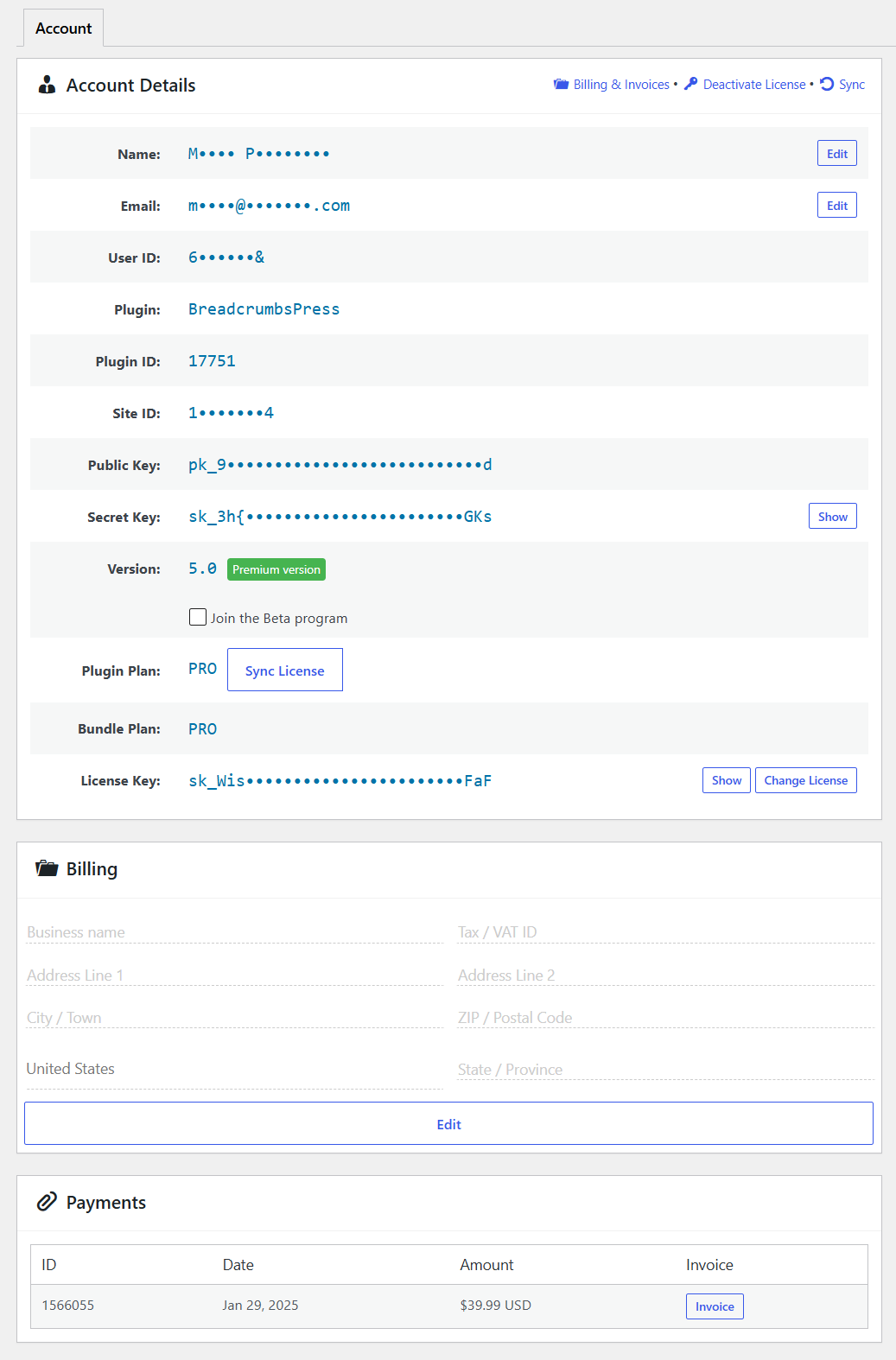
Manage a license
Use Activate License to enter a key, Change License to use another key, or Deactivate License to release the current site’s activation when the relevant action is available. See License Activation for the steps and troubleshooting.
Deactivating a license disables premium features on that site. Review any confirmation carefully: license deactivation and subscription cancellation are separate actions.
Account and billing actions
Where available, use Billing & Invoices to review billing information. Subscription, trial, plan change, and download actions depend on your purchase and account state. Read the details and confirmation before changing a plan or canceling a subscription or trial.
Keep account details and license keys private, especially when sharing screenshots or requesting support.
Upgrade
In the free edition, open Upgrade to review the available Pro offering. Compare the displayed features and choices, select the option that fits your site, and review the price, billing period, site allowance, and any trial terms shown at checkout before completing a purchase.
After purchasing, follow the installation and activation prompts. If you receive a Pro ZIP or license key, see Install & Update and License Activation. Once Pro is active, use Account to review the plan and license.
For breadcrumb placement and configuration, return to the Overview dashboard or Settings panel. Use Tools for settings backups and maintenance.