
Tools Panel
Open Settings → BreadcrumbsPress → Tools. The Tools Index links to each maintenance tool. For everyday configuration, use the Settings panel; the Overview dashboard shows integration status.
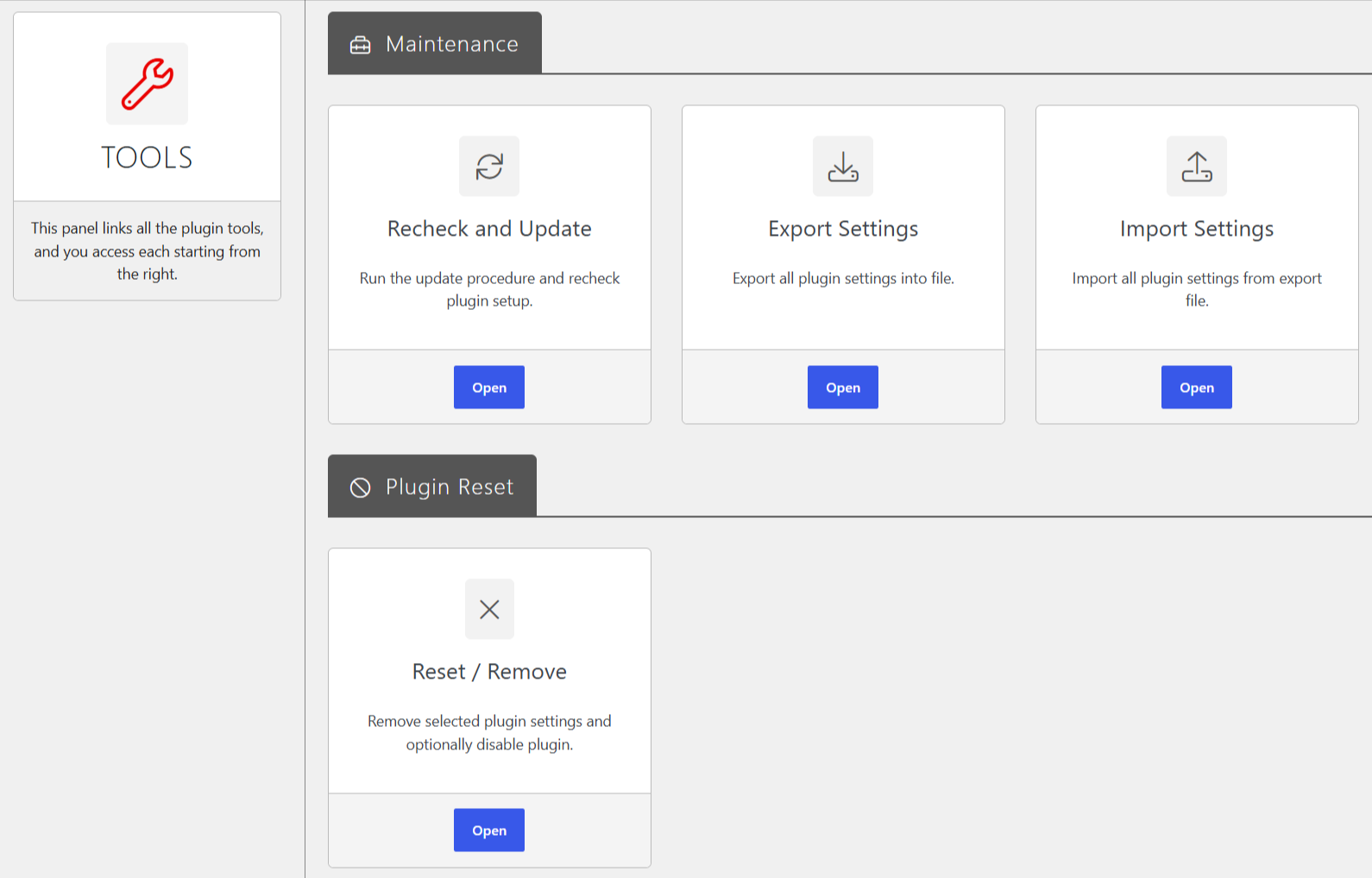
Recheck and Update
Open Recheck and Update to run the plugin’s update procedure and recheck its setup. Review the status shown on the page; when there is nothing to process, it reports that there is nothing to do.
Export Settings
Select Export Settings, then Export, to download the plugin settings as a JSON-serialized text file. Keep the file as a backup or for transfer to another installation. Do not edit it: changes can make it unusable for import.
Import Settings
- Export the settings from the source site using Export Settings.
- On the destination site, open Import Settings and select the exported file.
- Select Import and review the result.
Use the same plugin version for export and import, and do not modify the file. Importing replaces settings, so export the destination’s current settings first if you may need to restore them.
Reset / Remove
This tool can remove the plugin settings stored in WordPress options and optionally disable the plugin. Select All Plugin Settings to remove those settings, Disable plugin to deactivate it, or both, then select Remove. If the plugin stays active after its settings are removed, it reinitializes them to defaults.
Removal cannot be undone by the tool. Back up the database before proceeding, and export settings if you want a separate settings backup.